server tinkering: buying a server, binding a domain, and reverse proxying
6 min read
·…
tl;dr:notes on purchasing, deploying, and configuring a cloud server.
Over the valuable Dragon Boat Festival holiday, I did a few things: I finally got behind the wheel for practical driving-school training, and I bought my own cloud server. Two years ago I tried an Alibaba Cloud server and set up my own application on it. The experience was good, but I did not renew it after the three-month trial.
As I followed more GitHub projects in the first half of this year, the idea of owning a server became stronger. On the first day of the holiday, after much deliberation, I finally ordered a two-year Hong Kong server from Alibaba Cloud for 1,900 yuan.
The server-shopping journey
Before ordering, I looked at many vendors: Alibaba Cloud was my first choice, but Tencent Cloud, Huawei Cloud, Volcano Engine, and Qiniu Cloud were also on the list. In price and service, Alibaba Cloud offered the best value. I initially ordered an East China server, which cost only around 1,000 yuan for two years, but deployment involved several hassles.
First, mainland-server restrictions meant Docker’s official image registry could not be pulled. Alibaba Cloud’s mirror accelerator helped, but some images still could not be pulled from domestic mirrors.
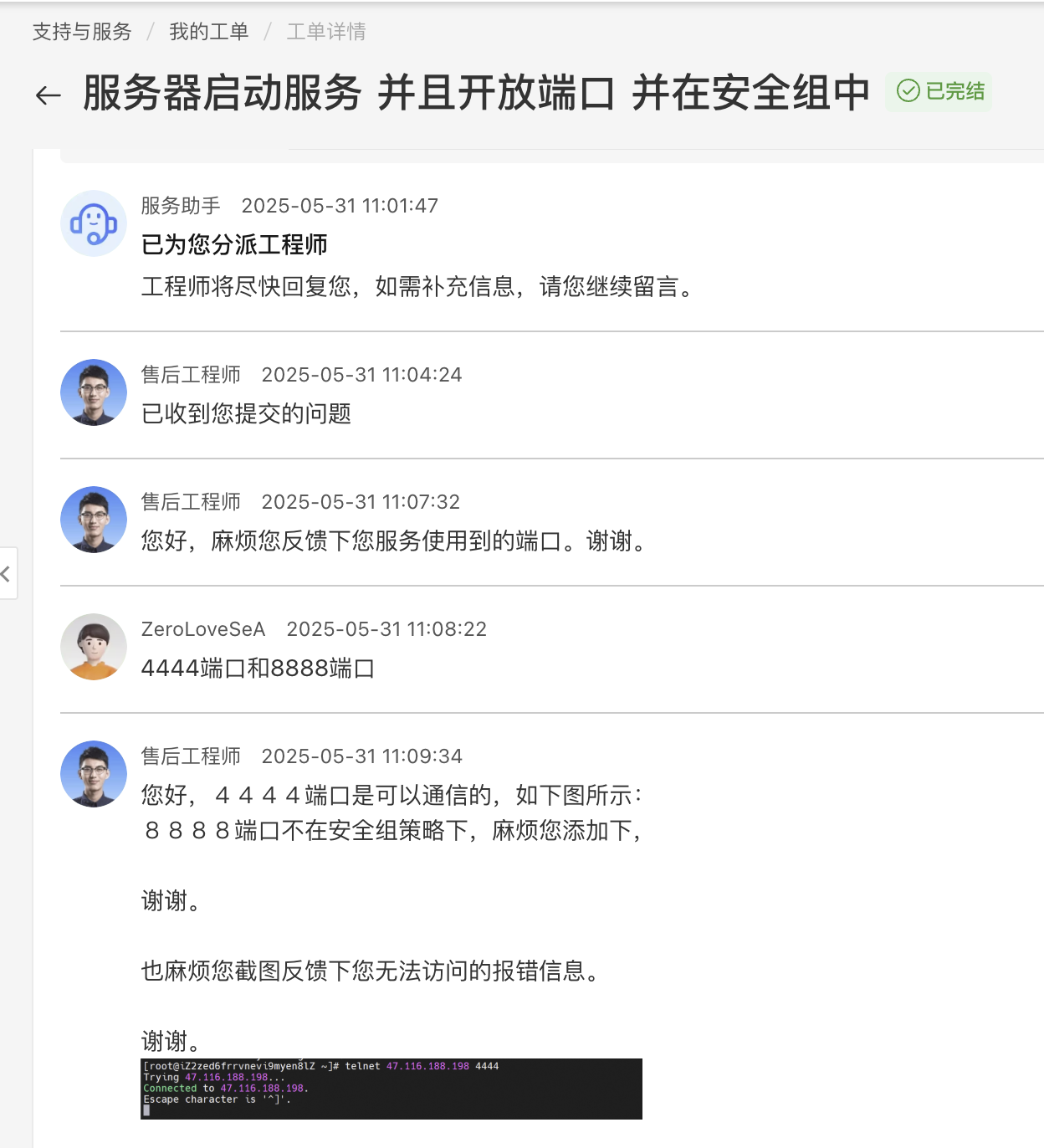
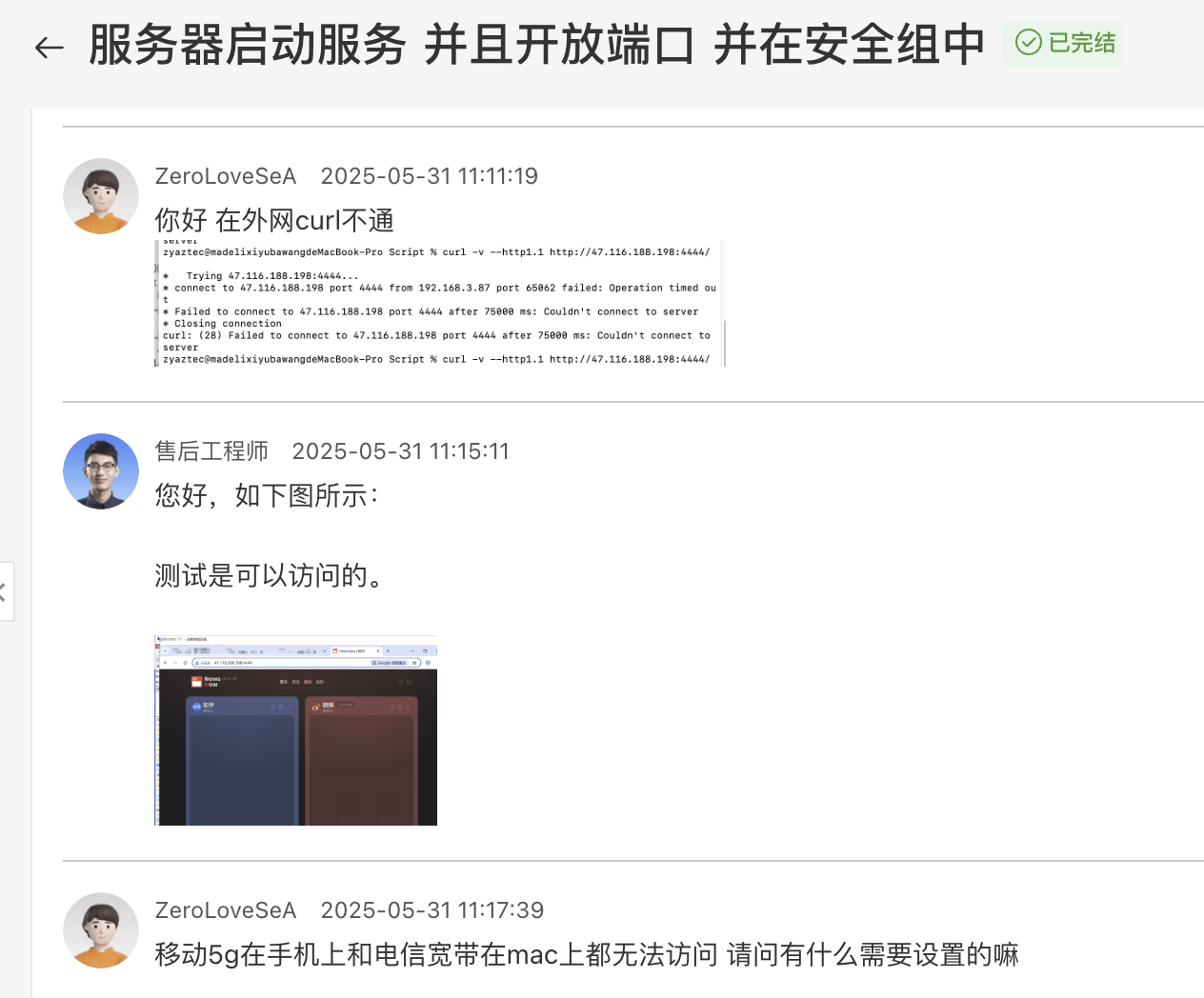
More critically, I could not access applications deployed on the server even after opening the security-group and firewall rules. I filed a support ticket; Alibaba Cloud’s response was impressively fast, even during the holiday.
The investigation showed that the proxy was the issue. My computer and router both use a proxy continuously, which blocked access. An international server resolves this to some extent.
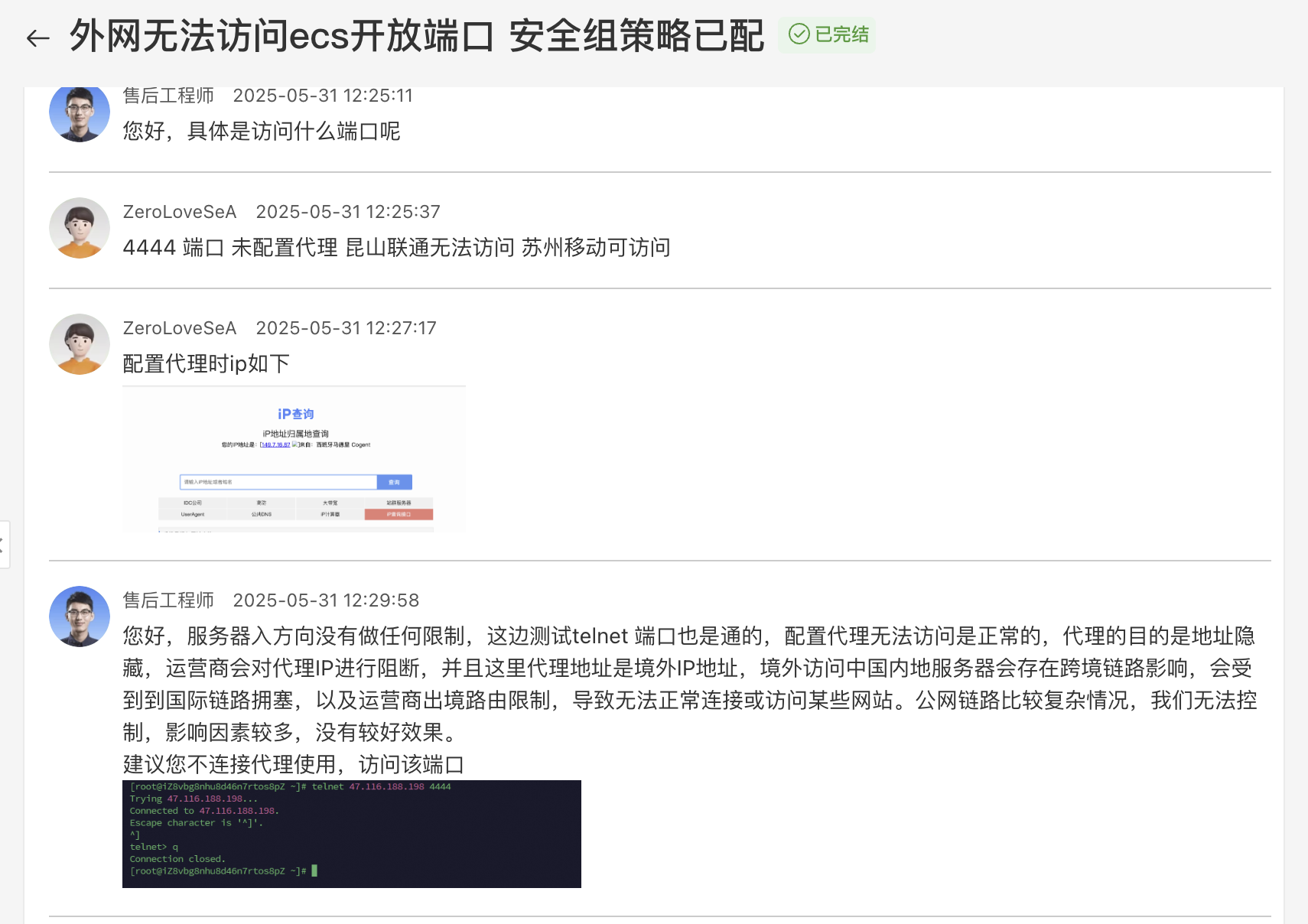
For Asia-Pacific servers, Hong Kong and Singapore are both good choices. Hong Kong is faster from mainland China; Singapore costs 300 yuan less and is friendlier for international access. After weighing those factors, I chose Hong Kong.
Domain binding and Nginx reverse proxying
I briefly introduced Nginx reverse proxying in an earlier post. Here I am recording the services deployed on this server. I started a web service on 0.0.0.0:4444. With the security-group policy configured, it was reachable directly at IP:4444, but that is obviously not secure.
Because I own zerolovesea.top, I wanted to bind the service to service.zerolovesea.top, so the service could be used through that domain. First, add an A record in Alibaba Cloud DNS named service, with the server IP as the value. Requests to service.zerolovesea.top will then resolve to the server.
Next, add service.zerolovesea.top.conf with vim /etc/nginx/conf.d/service.zerolovesea.top.conf:
server {
    listen 80;
    server_name service.zerolovesea.top;

    location / {
        proxy_pass http://127.0.0.1:4444;
        proxy_set_header Host $host;
        proxy_set_header X-Real-IP $remote_addr;
        proxy_set_header X-Forwarded-For $proxy_add_x_forwarded_for;
    }
}
This listens on the server’s default HTTP port 80 and reverse-proxies external requests for http://service.zerolovesea.top to local http://127.0.0.1:4444. The proxy headers pass client information through to the service.
Check and reload Nginx:
sudo nginx -t && sudo systemctl reload nginxYou can then use Certbot to request an SSL certificate and configure HTTPS for Nginx in one step:
sudo apt update
sudo apt install certbot python3-certbot-nginx

sudo certbot --nginx
Certbot detects domains from the Nginx configuration, requests a free Let’s Encrypt certificate, updates the Nginx configuration with SSL settings, and restarts Nginx automatically.
Cloudflare proxy configuration
The previous steps are sufficient without a proxy. Since my domain was already proxied through Cloudflare, I also added a DNS A record named service there, pointing to the server IP with the proxy enabled. After that, service.zerolovesea.top could access the deployed application directly.
A Streamlit deployment pitfall
One last note: after deploying a Streamlit service in Docker, the browser consistently showed Bad Gateway, error 502. The security group and inbound rules were open, and curl returned a response from both the server and the public network, yet the browser could not load it.
The problem was that Nginx does not forward the WebSocket headers Streamlit uses by default. Adding them to the Nginx configuration fixed it.
curlonly retrieves HTML; it does not involve WebSockets or JavaScript execution, so it does not expose this problem.
Here is the final configuration:
server {
    server_name aidash.zerolovesea.top;

    location / {
        proxy_pass http://127.0.0.1:18502;
        proxy_http_version 1.1;
        proxy_set_header Upgrade $http_upgrade;
        proxy_set_header Connection "upgrade";

        proxy_set_header Host $host;
        proxy_set_header X-Real-IP $remote_addr;
        proxy_set_header X-Forwarded-For $proxy_add_x_forwarded_for;
    }
}
After updating it, run sudo nginx -t && sudo systemctl reload nginx; the issue is resolved.
June 1, 2025, Suzhou